-
Image
-
Publish in core platform
Yes
-
Target audience
Digital skills for allDigital technology / specialisation
Digital skillsDigital skill level
Basic Intermediate AdvancedGeographic Scope - Country
MaltaIndustry - Field of Education and Training
Generic programmes and qualifications not further defined Basic programmes and qualificationsTarget language
EnglishType of initiative
Local initiative
Target group
Persons requiring employment retraining Persons in secondary/compulsory educationTypology of training opportunities
Course
Learning activity
lab / simulation / practice coursework
Assessment type
OnlineTraining duration
Up to 1 week
Organization
Eman MangionIs this course free
Yes
Is the certificate/credential free
No
Type of training record
Single offer
Training Start date
2024
Effort
Part time light
Credential offered
Learning activity
Self-paced course
No
Link Type
Organization url
 Introduction to Sustainable ICT (GreenChips-EDU) September 14, 2026
Basics of Data Analysis (basic-level) (EMAI4EU) August 13, 2026
The Fundamentals of Cybersecurity (NERO) June 16, 2026Skip to content
Introduction to Sustainable ICT (GreenChips-EDU) September 14, 2026
Basics of Data Analysis (basic-level) (EMAI4EU) August 13, 2026
The Fundamentals of Cybersecurity (NERO) June 16, 2026Skip to content

Malta Digital Skills and Jobs Platform (LISP)

Training Provider
Eman Mangion
Target Group / Theme
Support the Digital Literacy of the General Public
Course dates
22th September 2025 from 14:30–16:00
29th September 2025 from 14:30–16:00
6th October 2025 from 14:30–16:00
13th October 2025 from 14:30–16:00
20th October 2025 from 14:30–16:00
Sessions
5
Course Description:
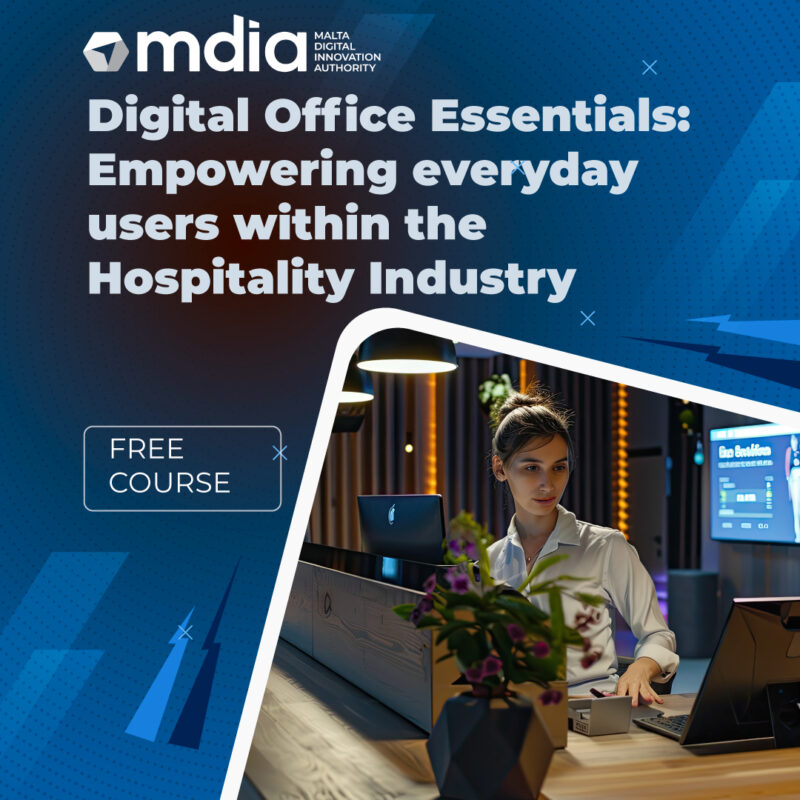
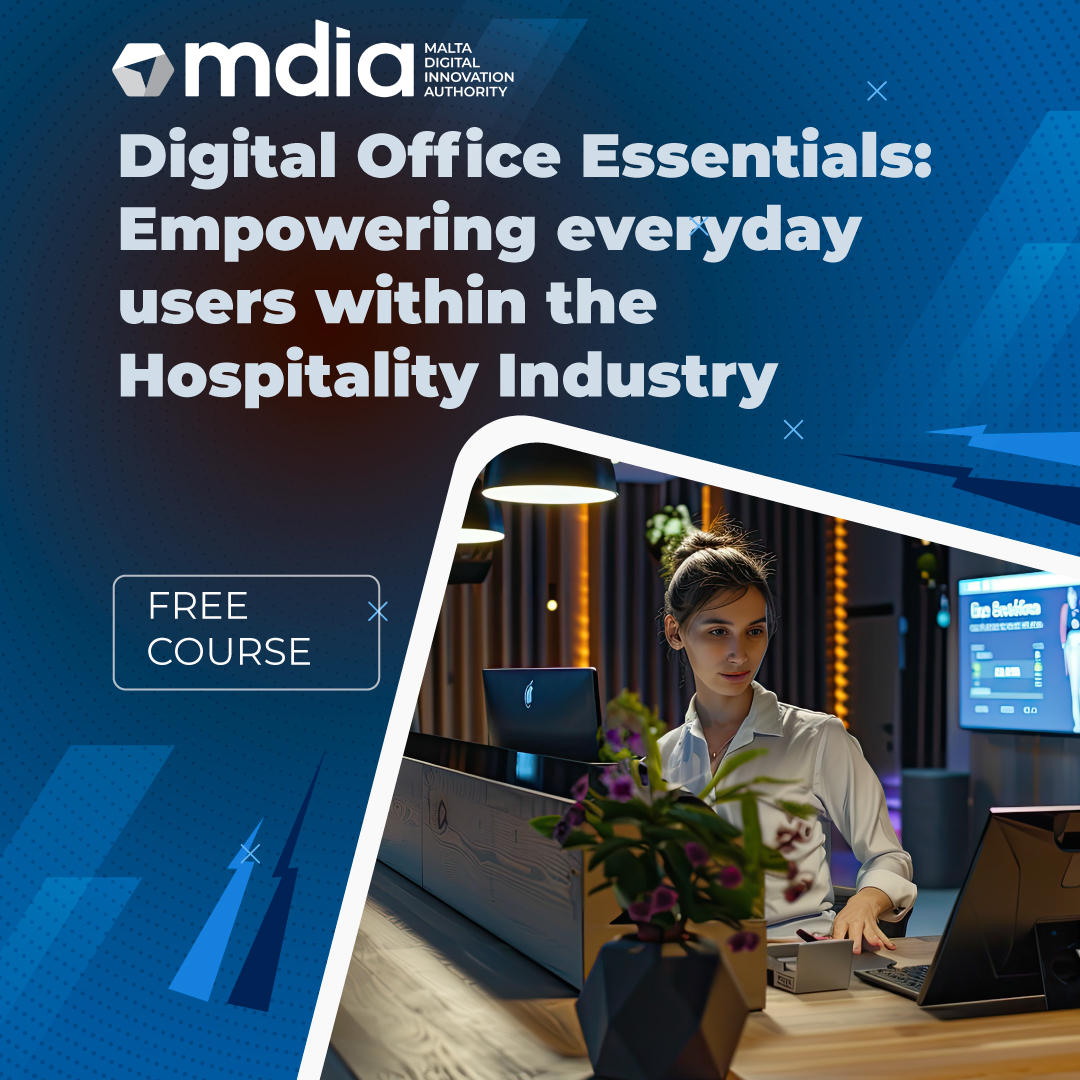
This course is designed to equip hospitality professionals with essential digital skills using widely-used software tools such as Microsoft Word, Excel, and PowerPoint. The course also introduces key digital communication and collaboration tools, including email use and cloud-based file sharing, to support efficient team coordination and customer service.
Weekly Breakdown
Week 1 – Introduction to Word Processing Tools
Focus: Basic document creation and text formatting using Microsoft Word.
Topics: Document setup, typing and editing text, formatting paragraphs, saving and organizing files. Participants will learn the basics of creating and formatting documents using Microsoft Word, including typing, editing text, formatting paragraphs, and saving files. This can be applied to tasks such as writing guest letters, staff notices, or internal reports.
Week 2 – Microsoft Word: Document Structure and Design
Focus: Enhancing documents with layout elements.
Topics: Inserting tables and images, using headers and footers, preparing documents for printing or digital sharing. Participants will learn how to insert tables and images, use headers and footers, and prepare documents for printing or digital sharing—useful for creating menus, schedules, or branded communication materials.
Week 3 – Introduction to Spreadsheets (Excel Part 1)
Focus: Entering and managing data in spreadsheets.
Topics: Navigating Excel, formatting cells, using basic formulas (SUM, AVERAGE), understanding rows and columns. Learners will explore how to navigate Excel, format cells, and use simple formulas like SUM and AVERAGE. These skills are ideal for managing bookings, inventory, or staff rosters.
Week 4 – Working with Data (Excel Part 2)
Focus: Organizing and visualizing data.
Topics: Sorting and filtering, creating basic charts, working with templates for budgeting or planning. Participants will learn how to sort and filter information, create basic charts, and use templates for tasks such as budgeting or event planning—supporting more efficient and organised hospitality operations.
Week 5 – Introduction to Presentation Tools (PowerPoint)
Focus: Creating and delivering basic slide presentations.
Topics: Slide layout and design, adding text and images, using themes and transitions, presentation best practices. Learners will design slides with text and images, apply themes and transitions, and learn basic presentation techniques. This is helpful for staff briefings, event proposals, or showcasing hospitality services to clients.
Delivery Method
Online Session
