-
Image
-
Publish in core platform
Yes
-
Target audience
Digital skills for allDigital technology / specialisation
Digital skillsDigital skill level
Basic Intermediate AdvancedGeographic Scope - Country
MaltaIndustry - Field of Education and Training
Generic programmes and qualifications not further defined Basic programmes and qualificationsTarget language
EnglishType of initiative
Local initiative
Target group
Persons in tertiary education (EQF 6)Typology of training opportunities
Course
Learning activity
lab / simulation / practice coursework
Assessment type
OnlineTraining duration
Up to 1 week
Organization
Eman MangionIs this course free
Yes
Is the certificate/credential free
No
Type of training record
Single offer
Training Start date
2025
Effort
Part time light
Credential offered
Learning activity
Self-paced course
No
Link Type
Organization url
 Introduction to Sustainable ICT (GreenChips-EDU) September 14, 2026
Basics of Data Analysis (basic-level) (EMAI4EU) August 13, 2026
The Fundamentals of Cybersecurity (NERO) June 16, 2026Skip to content
Introduction to Sustainable ICT (GreenChips-EDU) September 14, 2026
Basics of Data Analysis (basic-level) (EMAI4EU) August 13, 2026
The Fundamentals of Cybersecurity (NERO) June 16, 2026Skip to content

Malta Digital Skills and Jobs Platform (LISP)

Training Provider
Eman Mangion
Target Group / Theme
Support the Digital Literacy of the General Public
Course dates
27th October 2025 from 14:30 –16:00
3rd November 2025 from 14:30 –16:00
10th November 2025 from 14:30 –16:00
17th November 2025 from 14:30 –16:00
24th November 2025 from 14:30 –16:00
Sessions
5
Course Description:
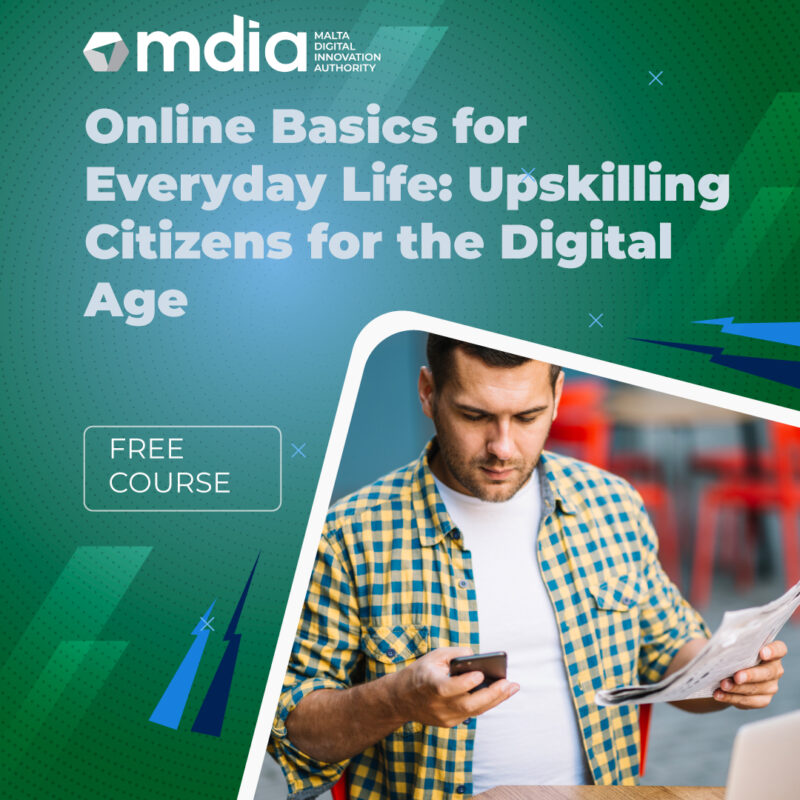
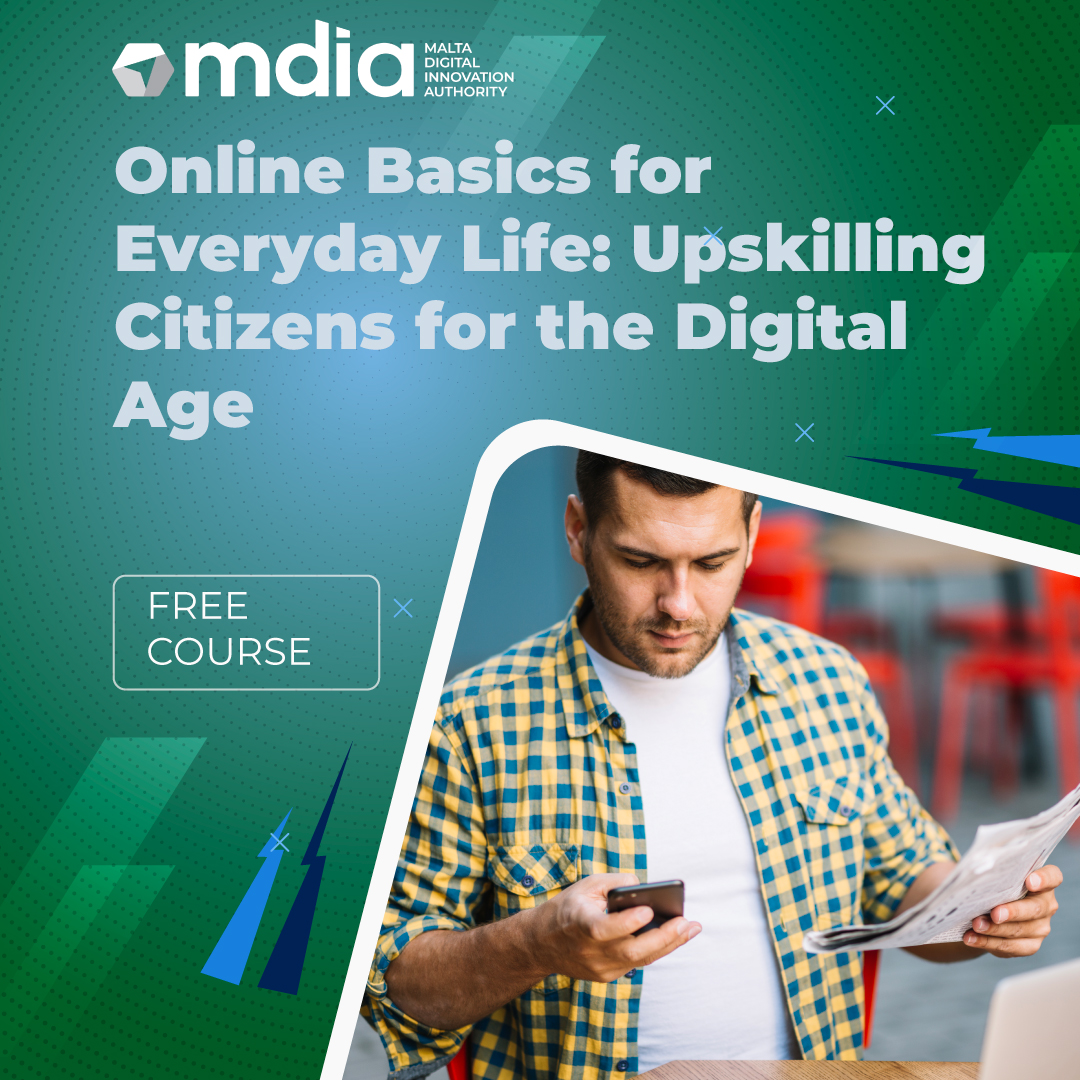
This five-week course introduces adult learners to essential online tools that support productivity, communication, creativity, and accessing digital services. Through live demonstrations, guided practice, and interactive tasks, participants will develop practical skills using free and accessible platforms for real-life applications.
Weekly Breakdown
Week 1
Using Microsoft Office Online Objective: Learn how to create, format, and share basic documents and spreadsheets using free, cloud-based tools. Learners will be introduced to Microsoft Word Online and Excel Online. The session will cover how to create and save documents in OneDrive, apply formatting, and share files digitally. This forms the foundation for writing, record-keeping, and professional communication.
Week 2
Shopping Online Objective: Understand how to navigate e-commerce websites safely and effectively. Learners will explore how to browse, compare, and purchase items online using popular platforms like Amazon. Topics include reading reviews, understanding delivery terms, using payment options, and recognizing common scams. Tools: Amazon, Jumia, Google Search, email for account setup Practical Task: Search for and compare two items; create a sample shopping cart (no purchase required)
Week 3
Marketing Strategies Online Using Canva Objective: Design simple digital content for personal promotion, small business, or community use. This session focuses on visual communication. Learners will use Canva to create basic flyers, social media graphics, or posters. The lesson introduces simple design principles and demonstrates how visuals can be used for outreach, events, or personal branding. Tools: Canva Practical Task: Design a flyer or post promoting a small event, service, or product
Week 4
Using AI Online (e.g., ChatGPT and Gamma App) Objective: Explore how AI tools can support productivity and creativity with minimal technical skills. Learners will be introduced to user-friendly AI platforms like Gamma, which generate slide presentations and visual content from short prompts. The session will also touch on AI best practices and responsible use. Tools: Gamma.app (or similar AI tools), internet browser Practical Task: Use AI toolsto create a visual presentation based on a topic of interest
Week 5
Using Online Services Objective: Build confidence in accessing essential services online for everyday needs. This session covers how to navigate government websites, book appointments, use cloud storage, and complete simple online forms. Learners will also discuss online privacy and how to protect personal information while using digital services. Tools: Google Drive, government/public portals, Gmail, health/booking websites Practical Task: Fill out a sample online form and upload a document to cloud storage
Delivery Method
Online Session
